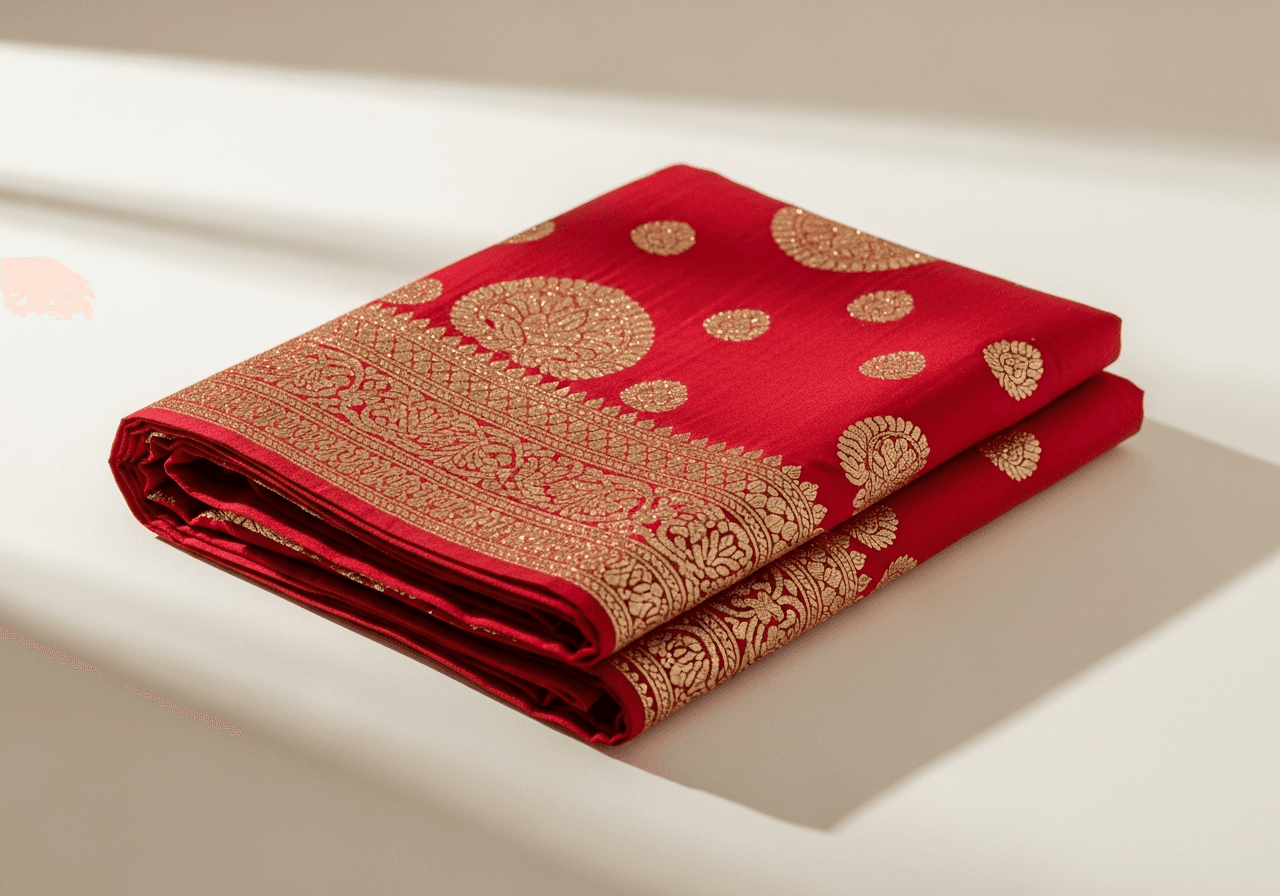
Today we're launching AI Photo Studio for every Vinoraam Premium store. Upload any product photo from your phone — including the messy ones with a cluttered table and bad lighting — and get back a studio-quality version: clean background, balanced exposure, sharp focus.
Why we built this
Product photography is the single most common reason new merchants stall before launching. They have the products, they have the pricing, they have a brand idea. What they don't have is a budget for a professional studio in Thamel (NPR 200–500 per product) or the patience to learn lighting from a YouTube tutorial.
AI Photo Studio replaces both. It costs nothing extra on Premium (which is NPR 2,000/mo), and a store with 30 products saves the equivalent of NPR 6,000–15,000 in studio fees in the first week alone.
What it actually does
Behind the scenes, Photo Studio runs three steps:
- Background removal — isolates your product from whatever is behind it.
- Re-lighting — adds soft directional light from the upper-left, the standard product-photography angle.
- Surface generation — places the product on a clean off-white seamless background that matches the lighting.
It does not:
- Change the product itself (no color shifts, no shape distortion)
- Add anything that wasn't in the original (no fake props, no hands holding it)
- Work on photos of people (we explicitly block this)
The result is a photo that looks like it was taken in a studio, because the AI is essentially generating the studio context around your product.
How to use it
In your Vinoraam dashboard, go to Products → any product → Photos. Drag in your phone photo. Click "Enhance with AI Photo Studio". Wait about 8 seconds. You get a side-by-side comparison; if you like the AI version, click "Replace original" and you're done.
The original is kept as a backup so you can revert with one click.
What's coming next
We're rolling out three more variants over the coming weeks:
- Lifestyle mode — places your product in a contextual scene (a saree on a hanger in a boutique, momo on a wooden table) instead of a plain background.
- Batch mode — drop in a folder of 20 photos and process them all overnight.
- Background colors — pick a brand color for the background instead of the default off-white.
If you're on Basic or Free and want to try AI Photo Studio, your 14-day Premium trial gives you full access. Open your dashboard and click "Try Premium" in the top bar.